Debit Cards
Our debit cards have clearly kept up with the times
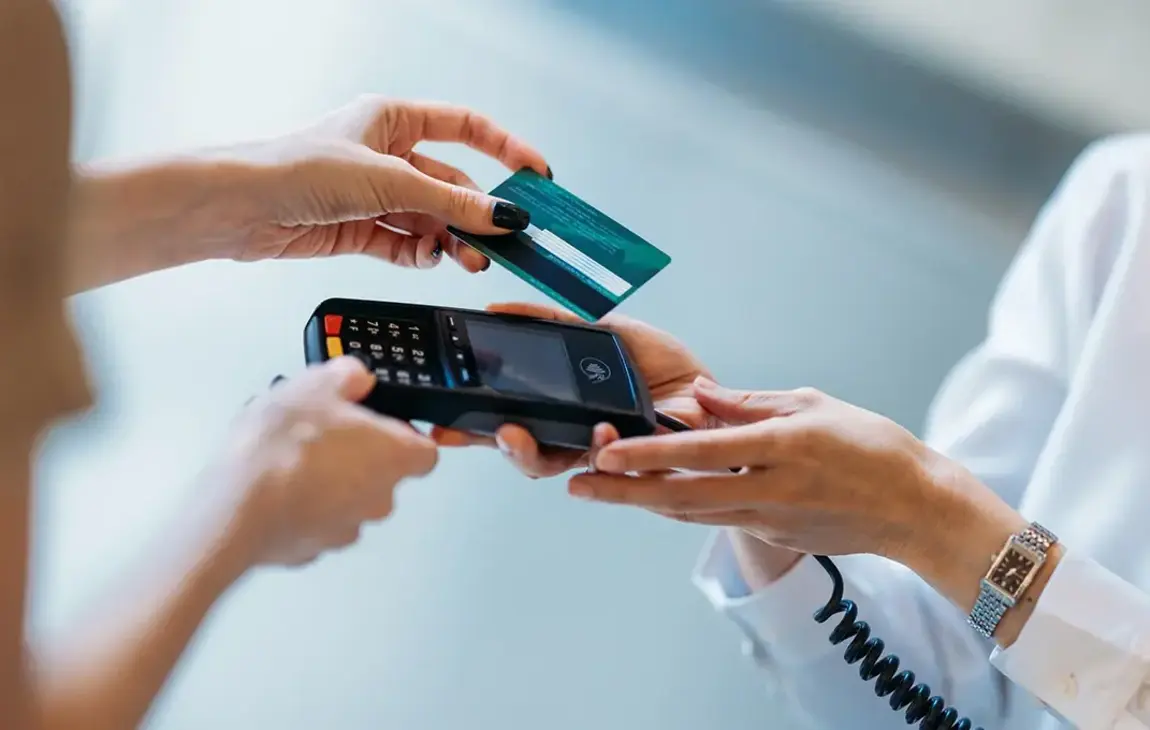
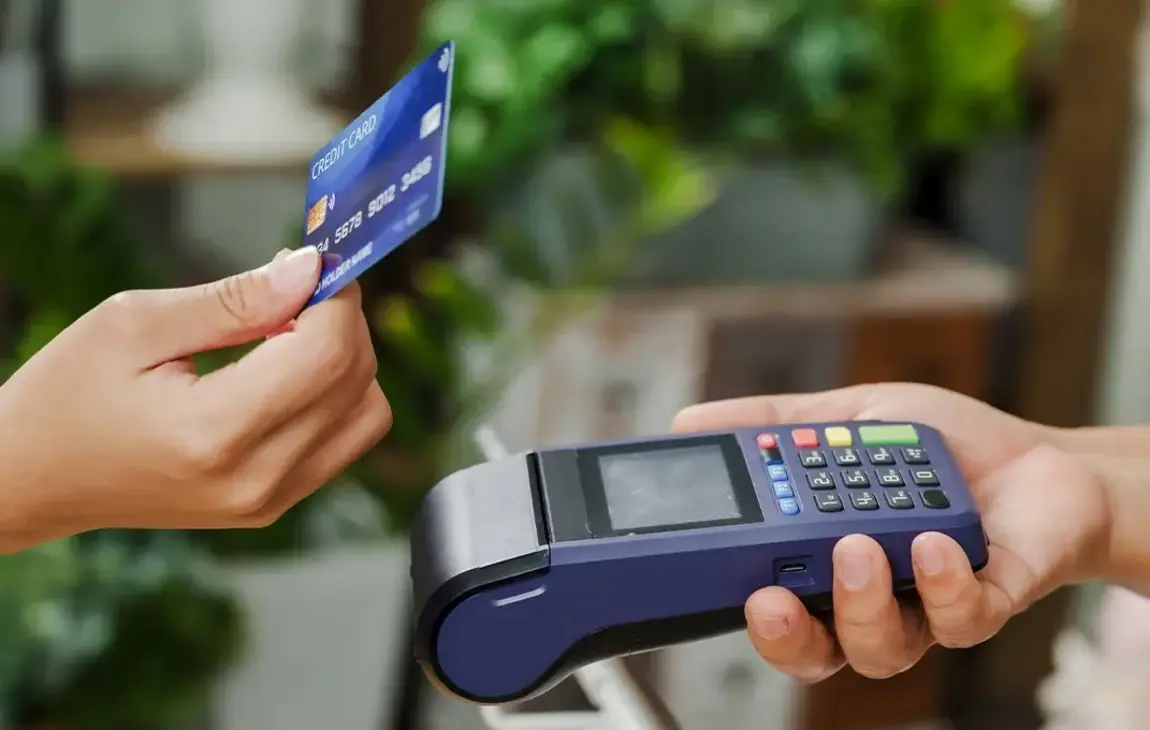
Way back when, they were only ATM cards. And they can still help people get cash from machines everywhere. But today's cards have taken a giant leap forward, turning into versatile tools that can help you shop online, reduce fraud and make payments with your phone.1 And that's just the beginning.
- Shop online or at millions of merchants worldwide
- Manage your card usage through mobile and online banking
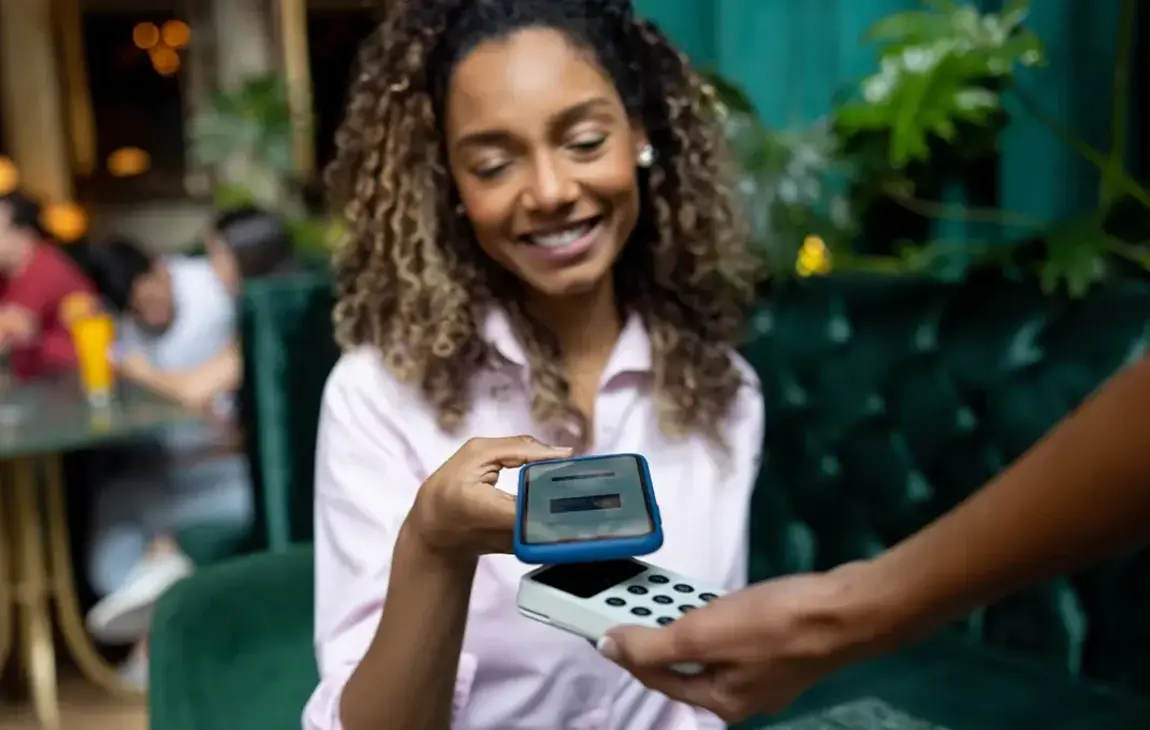
- Link your debit card to your smartphone for one-tap mobile wallet payments in stores, restaurants, and entertainment venues
- Breathe easier with a wide range of high-tech security features and anti-fraud protection
- Make fast, safe payments with your smartphone using Apple Pay®, Samsung Pay and Google Pay™
- Each purchase is recorded on a detailed list that you can access through mobile and online banking. Use it to analyze spending habits or track down a specific transaction.
Convenient debit card support
- Lost or stolen cards: Call us at 888-547-6541 or report your missing card in online banking or the mobile banking app.
- Change your PIN: Call 800-290-7893 and follow the prompts.
- Activate new card: Call 800-290-7893 and follow the prompts.
Expanded fee-free ATM access
Bank of Missouri customers have fee-free access to more than 55,000 ATMs worldwide through the Allpoint Network. Allpoint ATMs are conveniently located in premier retail locations like CVS, Target, Walgreens and more.
Look for the Allpoint logo on participating ATMs or use the locator on our website to find participating locations.
Click to Pay
With Click to Pay, shop online at participating retailers without entering your Bank of Missouri debit card number each time.
To get started, log in through our app or on the website. From the dashboard, tap the account associated with the debit card you’d like to enroll. Next, select “Card Management” and then “Wallets & Connections.” On the next screen, select “Click to Pay.” This will take you to Mastercard’s site to enroll. Review your information and click “Continue” if correct. The last screen shows that your card is ready. By default, it’s checked to “Remember me in this browser,” which speeds up payment on that same device. If you agree, click “Continue.”
Now that you’re enrolled, look for the Click to Pay icon on participating merchant websites.

![]()
Card Management
It's easy to control how your card is used. Set up your controls through The Bank of Missouri's online and mobile banking.
- Turn your card on or off.
- Set transaction spending limits by dollar amount, transaction type or merchant category. Keep in mind, these settings won’t override existing fraud protection limits. Planning a big purchase that goes over the daily limit? Give us a call and we can temporarily raise it.
- Get instant alerts on certain types of transactions, like when a transaction is declined.
- Block international transactions.
- Set parental controls and monitoring.
- Alerts show up just like any other notifications you get on your mobile device.
Express Issue
When you need a new debit card, we can get you going again quickly with Express Issue. Many of our locations can print a new card on the spot. Any time you need a new card, give us a call to find your nearest participating location.
Mastercard Automatic Billing Updater
You'll want a replacement debit card if your card expires or is lost or stolen. Mastercard Automatic Billing Updater automatically passes new card information along to places where you've previously used your card - including participating merchants and online retailers. This can save you time and help prevent late payments and disruption of services. Want to know more? See the quick FAQs below.
Fraud Protection
While you're enjoying all the conveniences of your debit card, we're in the background monitoring your card for security 24/7. You'll get notified by text, email or phone if we notice suspicious activity. Simply respond to let us know if your card is safe or not.
Mastercard Identity Check™
Mastercard has developed a program that helps confirm your identity when you make an online purchase. There’s no need to download anything, install software, or register. During an online purchase from your desktop, mobile or other digital device, you may be guided through an extra check to verify your identity. This helps us ensure you’re you and better protect you from fraud.
Chip Card Technology
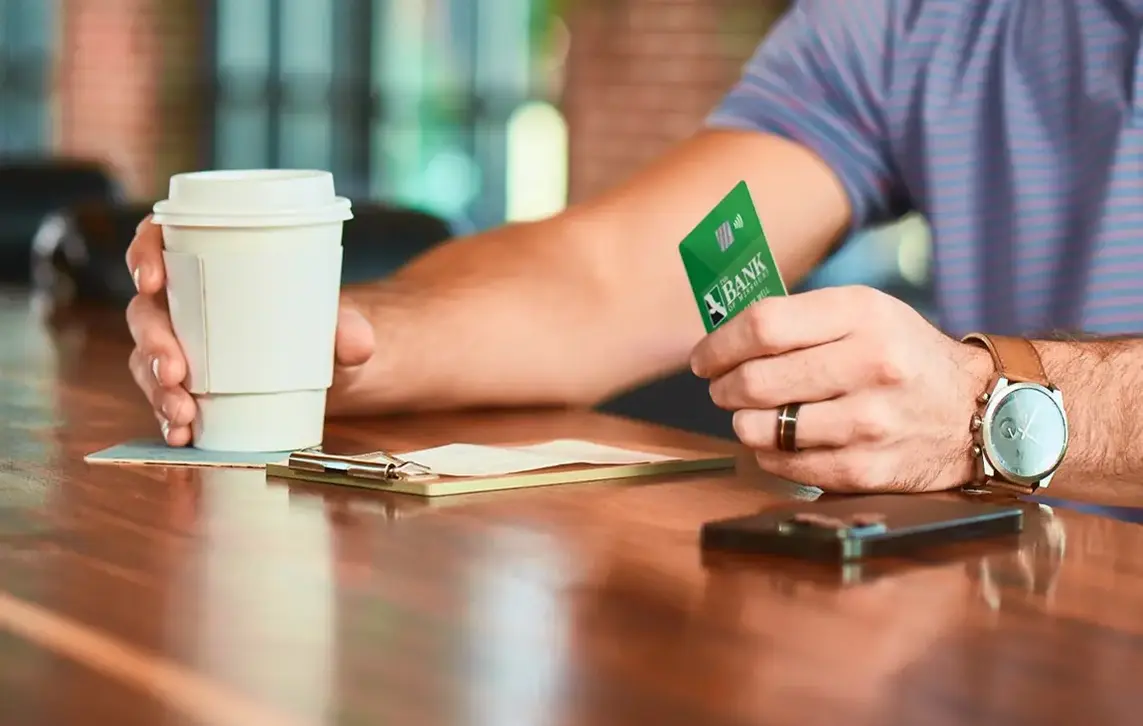
All Bank of Missouri debit cards feature an embedded microchip for more secure transactions. Put simply, this technology makes it harder for cards to be copied or counterfeited. And yes, chip cards still retain the traditional magnetic strips for card readers that are not chip-enabled.
Frequently Asked Questions
Call 800-290-7893 and follow the prompts.
You can use one of these convenient options:
- Whether you’re using a web browser or the app, scroll to the “Card Management” section on your dashboard. Select the card in question, and then tap “Report Lost/Stolen” on the next page. Another way to do this is to tap into an account, and then tap “Card Management.”
- Call 888-547-6541 for 24/7 self-service, or speak to a representative 7AM-7PM, Mon-Sat CST.
If you’re traveling outside of the country (or even just outside of Missouri), please give us a call at any Bank of Missouri location to give us a friendly heads-up. Special steps are required to ensure your card will be accepted as you travel.
You can also notify us by logging into the app and clicking the little airplane image next to “Card Management.” On the next page, click “Add a Travel Notice” and follow the steps.
Any merchant who accepts Mastercard and offers you the ability to save your card information for future purchases or payments could be included. However, not all merchants who accept Mastercard participate. You will still need to check with each merchant. This is especially important for scheduled or recurring payments.
Sure! Should you opt out? Well, it depends. Having the service can help if you were to forget to update your new card information with a payee. In that case, this helps prevent missed payments, late fees and service disruptions. It can also offer convenience in your online shopping.
However, some people prefer to start fresh when they have a new card. It's really personal preference on which is more convenient for you. We'd be happy to discuss the options with you. To learn more or to opt out, give us a call at 888-547-6541 during regular business hours.
If you have a Mastercard credit card, it's likely included as well. However, you will need to contact the card issuer to be sure.
Blog articles to learn about debit cards
1The ATM/Debit card is not a credit card. Transactions are deducted from your Bank of Missouri checking account.
View the Mastercard Complete Guide to Benefits for Debit Cardholders using Adobe Acrobat Reader, available at https://get.adobe.com/reader/.
Apple and Apple Pay are trademarks of Apple Inc., registered in the U.S. and other countries.
Samsung and Samsung Pay are trademarks or registered trademarks of Samsung electronics co., Ltd. Samsung Pay is available on select Samsung devices.
Google Pay is a registered trademark of Google, LLC.